It Should Be There, Right?
Seriously, especially when the substring is in the title or filename. Google drive searching is infuriating for that.
@freedomben on HN
You are looking for a specific file. Maybe a contract PDF from last year or a slide deck you presented once. You remember the name or part of it. Drive shows unrelated results or nothing at all.
You try a different word, then the file ending like .pdf. You click into a folder and try again. You search the same terms from the main Drive screen. Still nothing.
I literaly search for a file by name, doesn't find it, I search by extension ... it finds it?
@gumballindie on HN
It exists. Drive follows its sorting rules and where it looks, and the file you expect stays buried.
Why Drive Still Misses Older Files
Google Drive is made for current work and recent activity. Digging up years of history is harder.
| What happens | What you see |
|---|---|
| Results show best matches first | Exact filenames do not rise to the top |
| Search stays in the current drive or folder | Files in Shared drives or other locations never appear |
| Access and ownership change | A file you used to see drops out of results |
| You remember only part of the name or content | One wrong word or a vague term returns nothing |
The file is still in Drive. Search needs the right place and the right words at the same time, and you rarely have both.
Try These Fixes
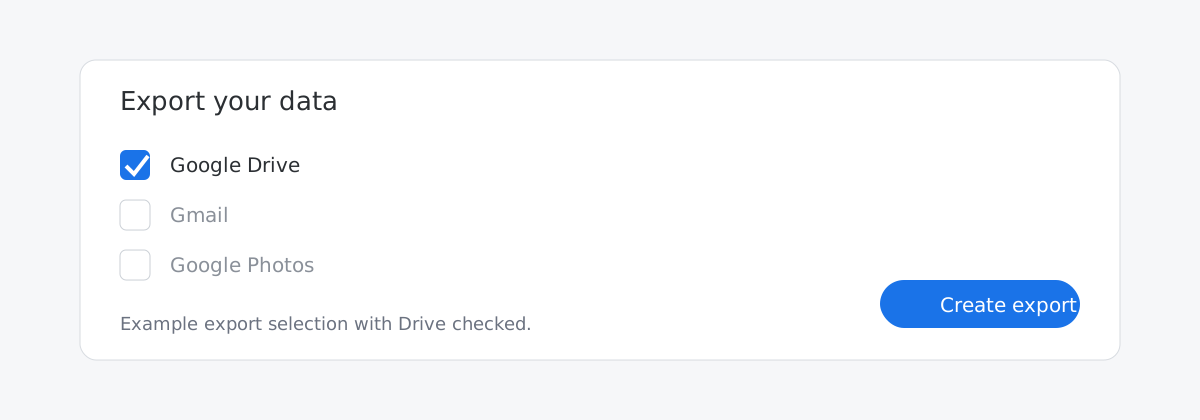
Start inside Drive. If this keeps happening, export your Drive with Google Takeout and search the files on your computer.
- Use the filter icon in the Drive search bar and add file type, owner, and date filters, for example
type:pdf owner:me before:2022-12-31. Google Drive Help lists the supported search filters: https://support.google.com/drive/answer/2375114.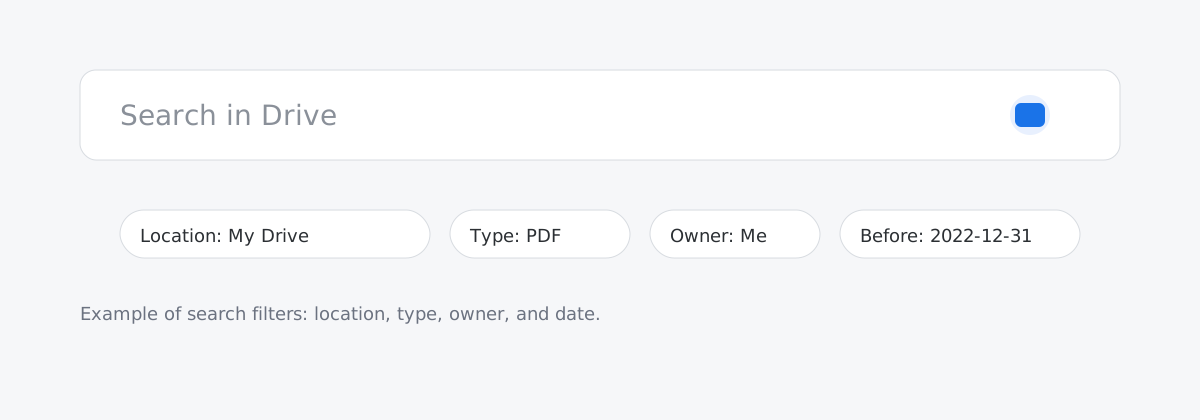
- Search from the main Drive screen, then switch between My Drive, Shared drives, and Shared with me to check where you are searching.
- Check the trash if the file might have been deleted;
is:trashedworks in Drive search filters.
If Drive still misses it:
- Export your Drive with Google Takeout and search it on your computer: https://support.google.com/accounts/answer/3024190.
- Use a tool that keeps its own copy of your files and lets you search by what the file is about, not just exact words.
- For important items, use consistent filenames, save PDFs, or keep an extra copy in a notes tool so you are not relying on search alone.
Some teams use SearchKit for this. It connects to Google Drive and other work tools and lets you search older files alongside the rest of your work.
If this is rare, the Drive steps are enough. If it happens often, exporting or using another search tool saves time.